Adobe CS5
Adobe had been emailing me for several weeks before the big release of Creative Suite 5, and I even signed up for the “Global Online Launch”, which seemed to actually be a couple videos they would have sent me anyway. I guess I was hoping for a live, Apple-style event or something.
Don’t get me wrong, Adobe makes great improvements to their tools with each update, and I’ve even seen a few updates that make me excited. The Illustrator “shape builder” tool and art board enhancements look great, and this video (via yewknee.com) on the content-aware fill looks too good to be true. But other than this, I haven’t really checked it out too much.
Here’s the thing — I’ll buy it. New tools, enhancements, all great to see. But I’ll buy it because it’s the software for my industry. It’ll get hard to do my job if I don’t stay up-to-date. So that’s that — I’m saving up for it. And (begrudgingly) looking forward to getting my teeth into it.
Focus Features’ “9″ wins for Web Tech
Not only does Focus Features’ feature length animation “9″ look fantastic, the website has a piece of technology I hadn’t seen before. It accesses your webcam, and by holding up a special graphic (downloadable PDF on the same page) you can see the different characters in 3d, perched on the paper in your hand.
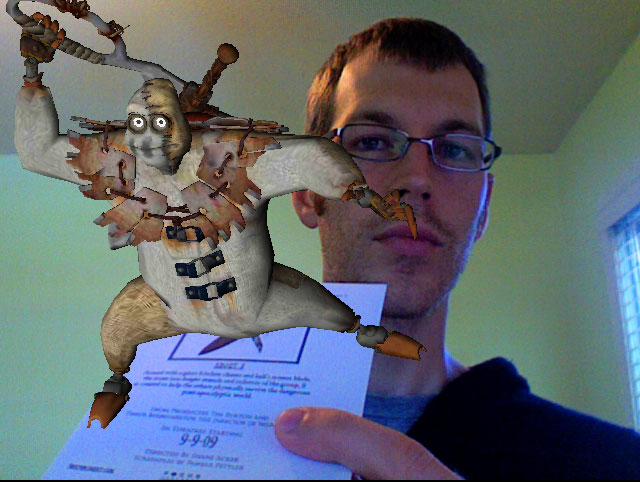
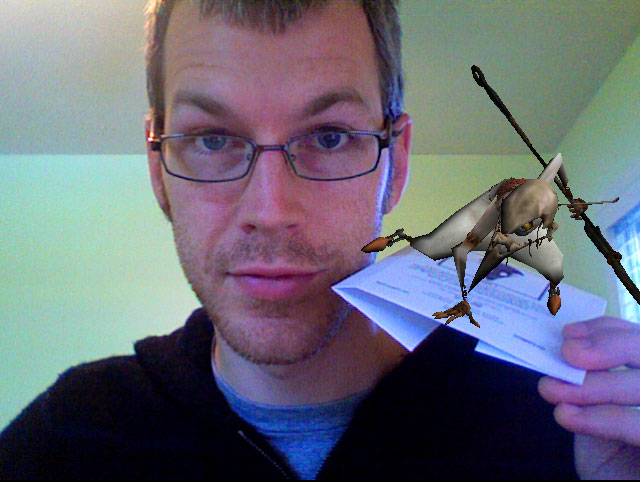
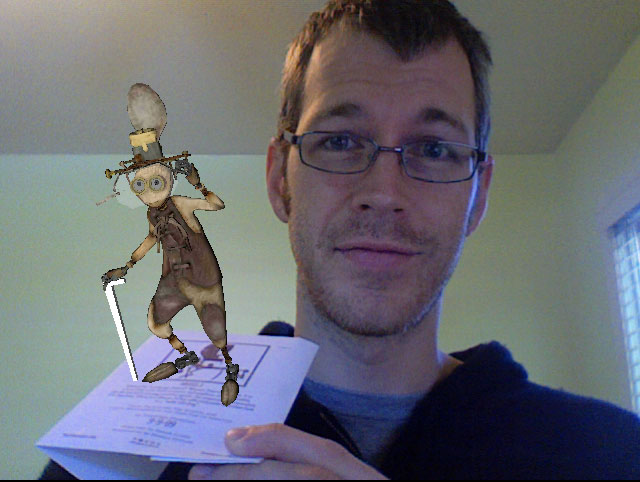
I had to install the latest version of Shockwave player, but the effect was worth it. This is a straight screenshot (click for larger), no photoshop work, and the character rotates and tilts in real time as you move the paper. Nice!
Creating an RSS feed
I love the way iTunes handles podcasts. My church offers the ability to listen to sermons online (http://royaloakvineyard.com/sermons/), but they don’t offer an RSS feed I can submit to iTunes.
So, I wrote my first RSS feed*. It’s a testament to how well I like iTunes that I’m willing to manually update the RSS feed weekly in order to listen to the sermons in my favorite format. Of course, I love a project that requires research and problem solving — that played more than a small part.
I found a great guide on how to create your own rss feed, and I wrote and uploaded my own feed:
http://www.sethkimball.com/ROVCpodcast/feed.xml
It basically tells iTunes where to find the mp3 file of each sermon. Updating the feed manually is a little labor intensive, but it was a fun project.
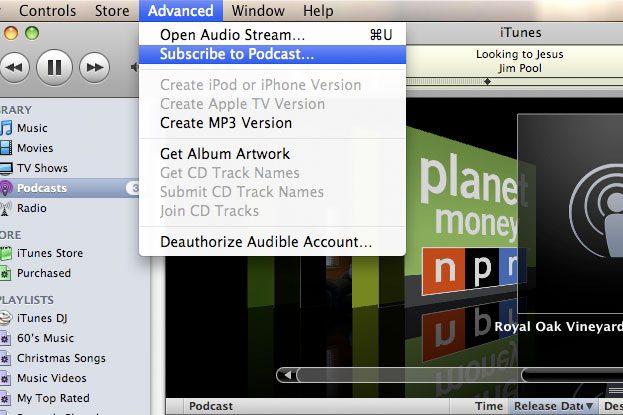 Now don’t anyone go submitting this to the iTunes store. I don’t know if I’ll keep updating it. But if you want to podcast the Royal Oak Vineyard Sermons, open itunes and choose Advanced >> Subscribe to Podcast. Copy the above url (..feed.xml) and paste it into the box that pops up. I’ll try to keep it up to date!
*Check out this video if you’re thinking “What’s an RSS feed?”
AmyKimballPhotography.com Redesigned
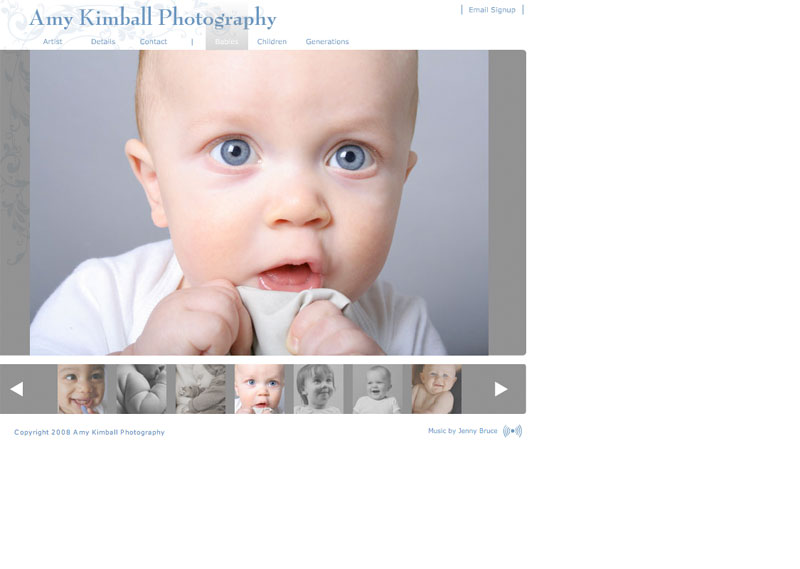
Original design
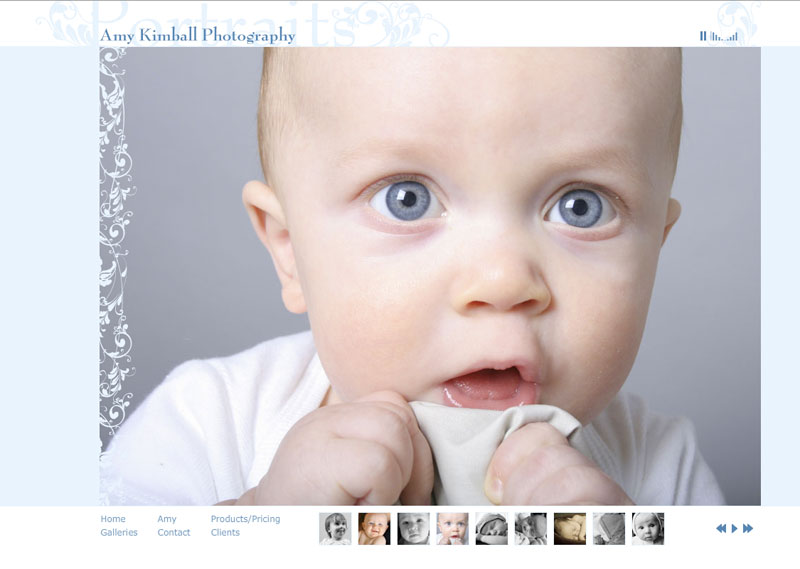
Redesign
I finished Amy’s new photography showcase site a couple weeks ago. I first designed her site several years ago when she was just starting her photography business. Notable changes are the complete front-end redesign and a new wedding photography section. The photos are bigger to increase their impact, and I added a client login for online proofs. I also made some major upgrades to the flash backend. The new site will be much easier to update and expand when needed, saving myself time and Amy money.
And I got a call yesterday that a prospective client of mine found Amy’s site through my portfolio page and was planning to hire her for a family photo shoot. Amy’s photography doesn’t need much jazzing up to be impressive, but it’s nice to know her site’s doing its job.